.svg)
As well as booking guests who need their own workspace or meeting room, you can simply register guests in desk.ly. They won’t have a booked resource, but you can still manage and log them through visitor management.
This guide takes you step by step through guest registration
Good to know:
- You can hide guest details from your colleagues.
- You can also share additional information with your colleagues by adding a comment.
- You can manage and log registered guests centrally through visitor management.
The automated email to guests
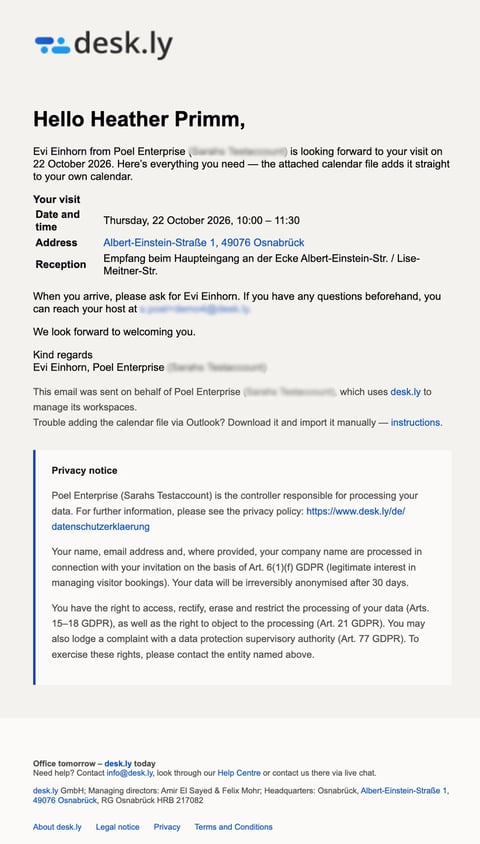
Registered guests normally receive an automated email with the key details of their visit. This email is enabled by default.
- You can choose from 5 languages for this email (German, English, French, Spanish and Italian).
- You can also disable this email, if your admin has activated this setting. This can be useful, for example if you have your own invitation process outside desk.ly.
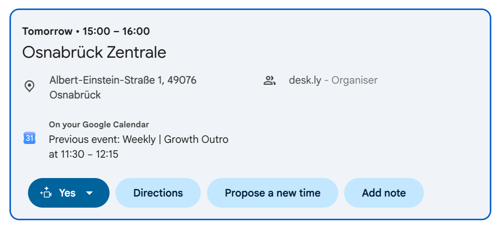
The email includes a calendar invitation for the planned visit and important information about their stay, such as where to sign in.
Deleting guest registrations
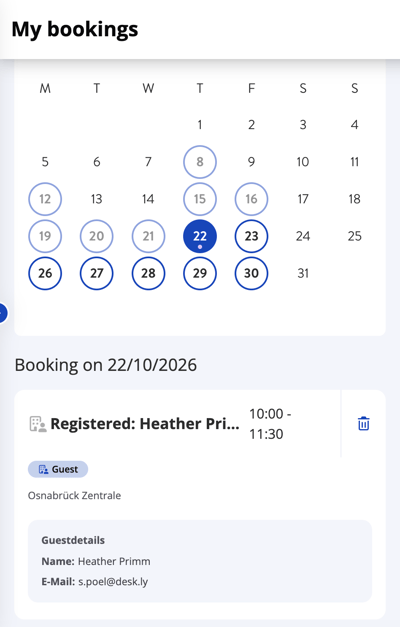
Under “My bookings”, you can view the guest registrations you’ve created and delete them if needed.
 Available with Enterprise Plus. Please contact us to learn more about your upgrade options!
Do you have any further questions?
Our support team is available to assist you via email at support@desk.ly, as well as by our live chat and/or phone at +49 541 9625 9040, from Monday to Friday from 9am to 4pm. You can also contact our support team through the Help Center by clicking on the "Contact Support" button located at the top right corner. We are always glad to help!