
The new permissions feature has a user import so that each user does not have to be edited individually in desk.ly. For this purpose, we can provide you with a list in which the permission groups for the individual users can be maintained and then uploaded.
You can find detailed instructions on the feature here ➜
This is how it looks like:
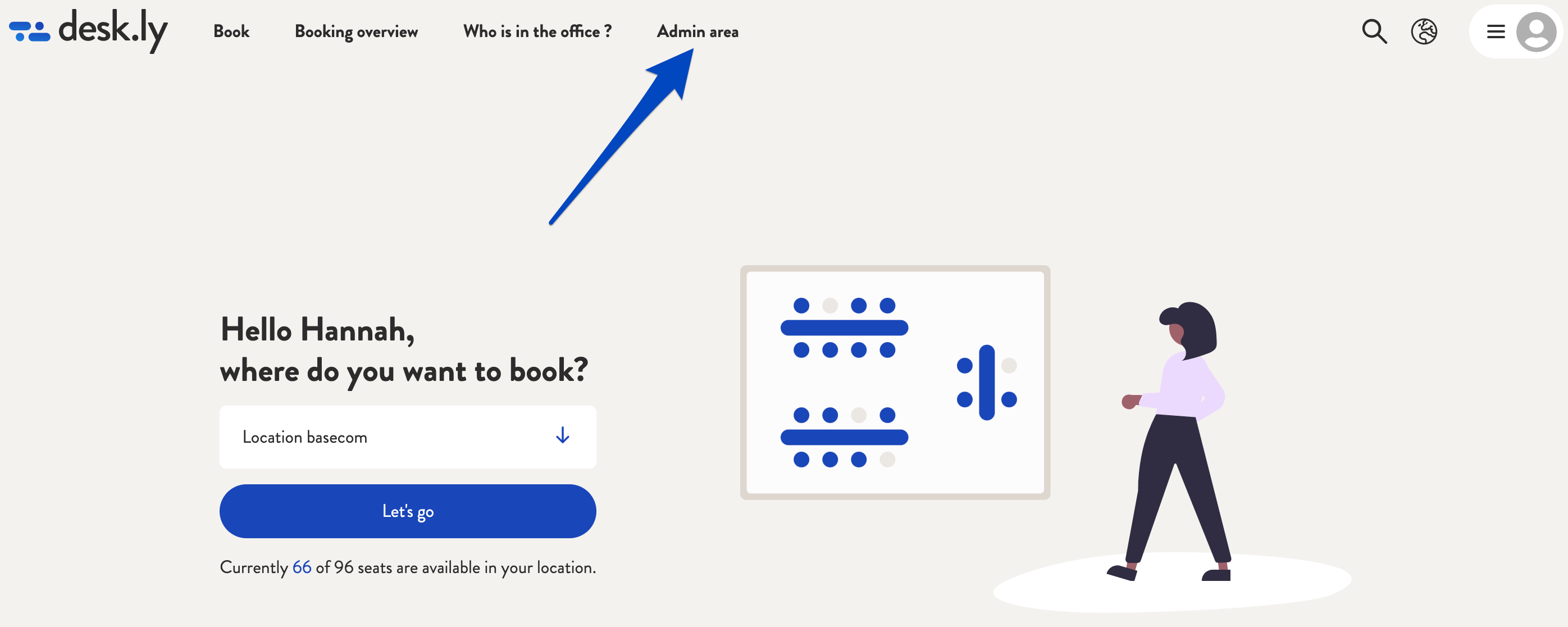
1. Go to the user section in the admin area.
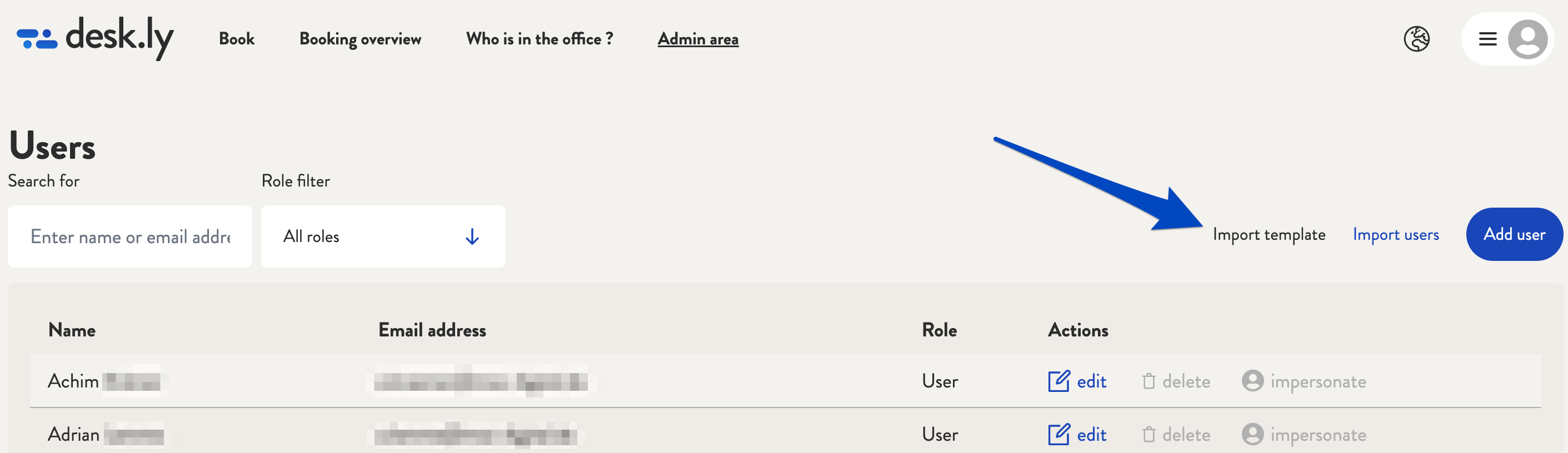
2.By clicking on "Import template", the import template from desk.ly will be sent to you via e-mail. There you can download the file and open it in Excel or Google Spreadsheet.
3. Edit the current users and store the permission group for each person under COMPANY, DEPARTMENT, TEAMS.

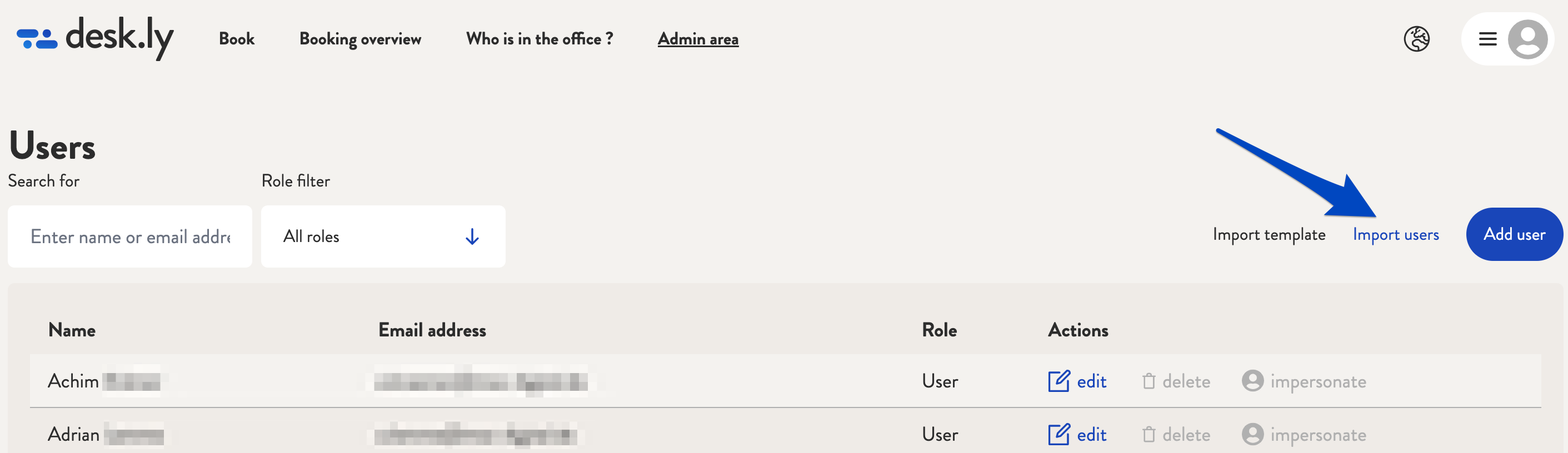
4. Save the file as a CSV file and then re-upload it in the user section via "Import users".
Also watch our short video on the import template on YouTube ➜
Do you have any further questions?
You can contact our support team by email at support@desk.ly at any time. From Monday to Friday, 9 am to 4 pm (CET), we are also available via live chat and/or by phone at +49 541 9625 9040.
You can also contact our support team here in the Help Centre by clicking the "Contact our support team" button in the top right corner. We are always happy to help!