.svg)
Want to make on-site booking easier for your employees? You can create QR codes in desk.ly and put them up at desks or rooms. Users can then scan the QR code with our smartphone app and book the desk or room straight away.
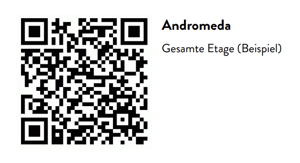
In the admin area, under “Plans”, you can create QR codes for all resources on a floor plan in one go and download them as a PDF.
This guide takes you through the process step by step.
Do you have any further questions?
Our support team is available to assist you via email at support@desk.ly, as well as by our live chat and/or phone at +49 541 9625 9040, from Monday to Friday from 9am to 4pm. You can also contact our support team through the Help Center by clicking on the "Contact Support" button located at the top right corner. We are always glad to help!