
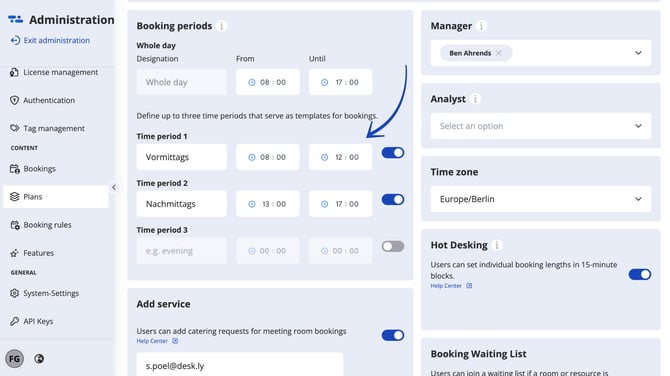
There are a total of three booking periods that can be freely defined and set per location. This can be used, for example, to represent the early, late and night shifts.
And this is how it looks like:
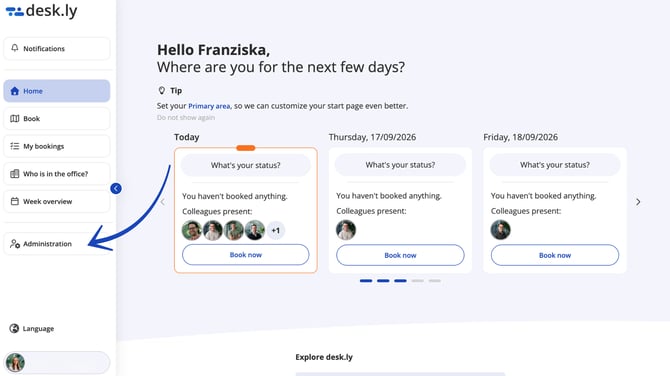
1. Go to "Plans" in the Admin section.
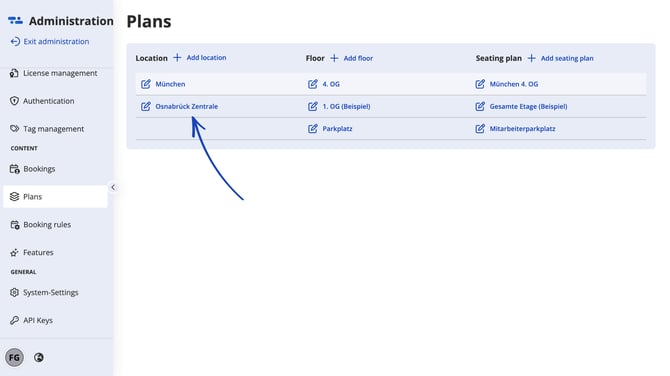
2. Choose your location.
3. Define up to three booking periods.
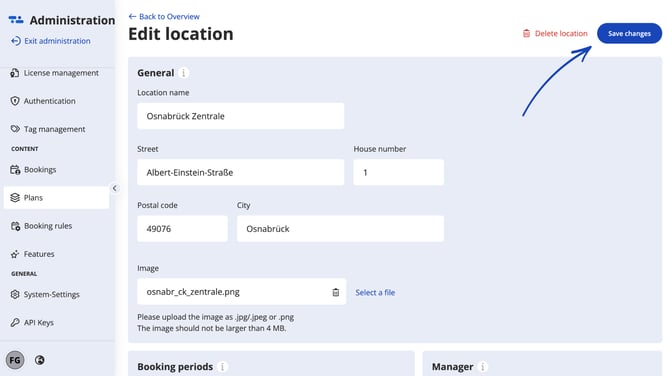
4. Click on "Save changes".
Do you have any further questions?
You can contact our support team by email at support@desk.ly at any time. From Monday to Friday, 9 am to 4 pm (CET), we are also available via live chat and/or by phone at +49 541 9625 9040.
You can also contact our support team here in the Help Centre by clicking the "Contact our support team" button in the top right corner. We are always happy to help!